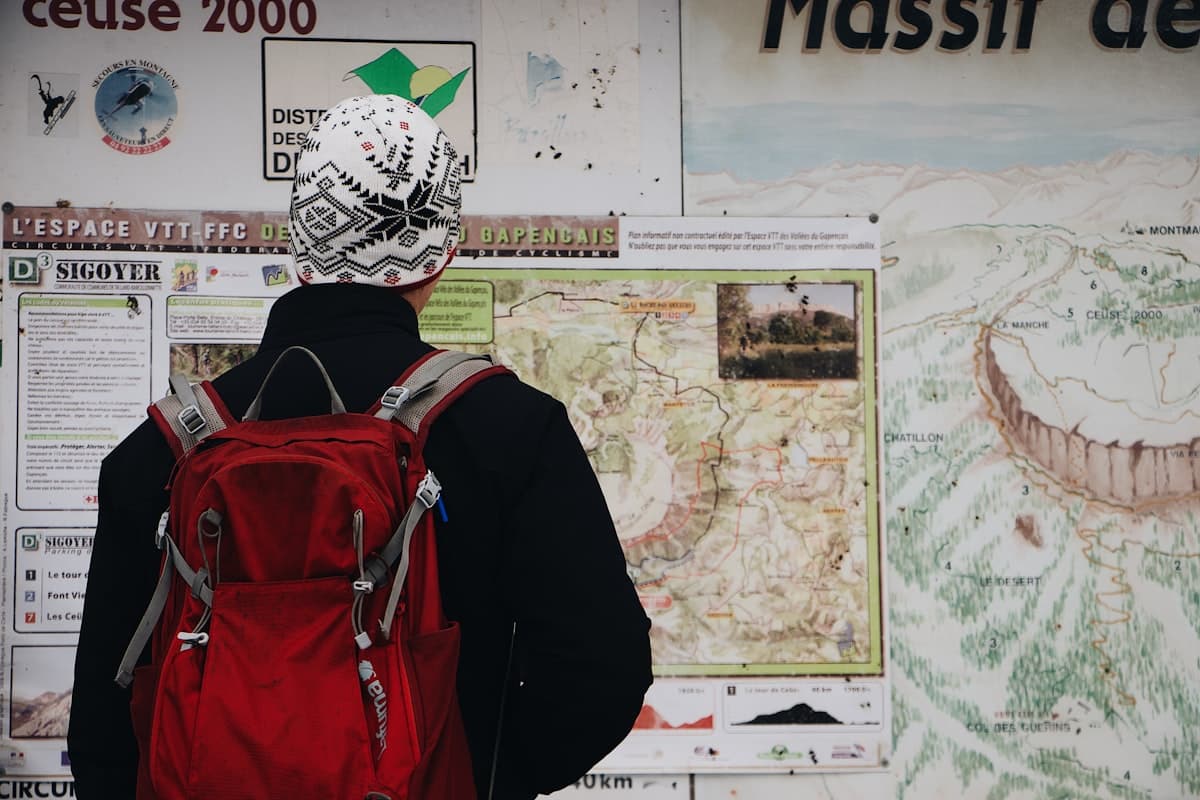
How to Read a Topographic Map for Hiking
The 1:25,000 IGN map remains the reference tool for hikers in France, and no mobile app truly replaces it. It condenses decades of topographic surveys onto a folded sheet that fits in your pocket, and reveals information your GPS will never show you: the exact steepness of a slope, the presence of a forgotten spring, the precise route of an old mule track, or the shape of a distant ridge you can see but can't name.
Learning to read a topographic map means gaining autonomy, safety, and — above all — a deeper understanding of the terrain. This guide covers everything you need to decipher an IGN map, from scale to symbols, contour lines to coordinates.
What Is an IGN Map and Why Is It Essential?
The Institut National de l'Information Géographique et Forestière (IGN) is France's official national mapping agency. Since the 1940s, IGN has produced precise surveys of relief, watercourses, trails, buildings and vegetation. The result is a collection of maps with exceptional accuracy, regularly updated, and internationally recognised as a benchmark for topographic mapping.
For hiking, the series to use is the Top 25 (Blue Series) at 1:25,000 scale. This is the ideal hiking scale: detailed enough to show every trail, every spring, every junction, and wide enough to cover a full day's hike on a single sheet. The Top 100 at 1:100,000 is useful for regional planning or cycling, but lacks the detail needed for foot navigation.
Unlike GPS apps, a paper map never runs out of battery, never loses signal in a gorge, and offers an instant overview no screen can replicate. It's also a remarkable educational tool for learning to read a landscape.
Understanding the Scale: What Does 1:25,000 Mean?
The scale is the conversion ratio between the map and the ground. On a 1:25,000 map, 1 cm on the map equals 25,000 cm on the ground, or 250 metres. In other words, 4 cm corresponds to 1 km.
This ratio is essential for estimating distances. Before setting out, measure your route with a ruler (or by eye) and convert: 12 cm between your start point and your summit means 3 km as the crow flies. To account for the winding nature of trails, add 20–30% to this distance, then combine it with elevation data to estimate your walking time.
Some hiking-specific rulers make this conversion easier, with graduations printed directly in metres and kilometres at common map scales.
Contour Lines: Reading the Relief
Contour lines are the signature of a topographic map. They are thin lines, usually brown or sepia, that snake across the map. Each contour line connects points at the same elevation.
Contour interval on Top 25 maps. On lowland or mid-mountain terrain, contour lines are spaced 10 metres apart in elevation. In high mountain areas, the same interval is used, with intermediate lines further apart. Index contours, printed in bold, appear every 50 metres and sometimes carry the elevation figure.
Reading contour spacing. The closer the lines, the steeper the slope. When contour lines are almost touching, you're looking at a cliff or rock face. Widely spaced lines indicate gentle, almost flat terrain.
Identifying relief features. A series of concentric closed contour lines represents a summit (the smallest ring is at the centre). A valley appears as a V or U pointing uphill (toward higher elevations). A ridge forms a V pointing downhill. With practice, you'll reconstruct 3D relief in your mind from these lines.
Spot heights. These isolated numbers indicate the exact elevation of a summit, col or junction. Combined with an altimeter watch, they let you confirm your position with high precision.
Colours and Symbols
Every colour and symbol on an IGN map has a specific meaning. Here are the essential codes to memorise.
Primary colours.
- Green: wooded areas (dense forests, woods, wooded scrub). Darker green indicates denser cover.
- White: open land (meadows, fields, pastures, moorland).
- Blue: water. Thin blue lines are streams, thick lines rivers. Blue areas show lakes, ponds and reservoirs.
- Brown/sepia: contour lines, but also some relief features (rocks, scree, dunes).
- Red and orange: roads, with colour intensity indicating importance (motorways, national, departmental, forest tracks).
- Black: buildings, administrative boundaries, lettering, rural paths.
Essential symbols.
- Trails: a solid black line for a drivable track, a dotted line for a hiking path, a double line for a paved road.
- GR long-distance paths (Grande Randonnée): the route is highlighted in red, and marked on the ground with white/red trail blazes.
- Water sources: springs are shown as a blue star, fountains as a droplet, water troughs as a small blue rectangle.
- Refuges and shelters: a small black triangle or a hut icon indicates guarded or unguarded mountain refuges.
- Crosses: chapels, wayside shrines, memorial stones.
- Natural landmarks: caves, notable trees and isolated rocks have specific pictograms.
The full legend appears on every IGN sheet, usually on the back or in the margin. Always take a few minutes to review it before setting out, especially if you're hiking in unfamiliar terrain (high mountain, coastal, marshland).
Understanding Coordinates
IGN maps use several overlapping coordinate systems. Knowing how to read them lets you communicate your position precisely to rescue services, a hiking partner, or transfer your route to another map.
UTM coordinates (Lambert-93 in France). The blue or black grid on the map corresponds to the Lambert-93 projection. Each square is 1 km by 1 km. The numbers printed in the margin allow you to give a precise position to within 100 m or 10 m depending on how many digits you use.
Geographic coordinates (latitude/longitude). These appear in the corners of the map in degrees, minutes, seconds. Useful for communicating with a GPS or mobile app using decimal degrees.
Practical method for giving your position. When calling rescue services in France, give your position in Lambert-93 (the system used by French rescue teams) or in decimal lat/long. The IGN Rando app or Géoportail on smartphone displays these coordinates in real time if you have signal.
Using the Map in the Field
Reading a map at home is one thing; using it while hiking is quite another. Here are the essential field habits to develop.
Orient the map. Before anything else, align the map with the terrain. Two methods: either use a compass to align the map's North arrow with the compass needle, or identify a visible feature (summit, church tower, road) and rotate the map so this feature points the same way on the map as it does in the landscape.
Track your position regularly. Get into the habit of ticking off your progress at every notable point: a trail junction, a ridge crossed, a bridge. This prevents the classic problem of being "lost on the map" after an hour of walking without reference points.
Anticipate the terrain. Before each section, read the map to anticipate: "in 500 m I need to turn right at the junction, then cross a stream, then climb 200 m of elevation." This anticipation makes navigation much smoother and immediately flags it if something doesn't match.
Protect your map. A soaked map becomes unreadable in minutes of rain. Use a transparent waterproof case or buy a synthetic-paper version (more expensive, but nearly indestructible). Some hikers laminate their maps, but this makes them impossible to fold properly.
See also our article on how to navigate while hiking without GPS for deeper coverage of compass navigation, and the guide on understanding French trail markings to combine map reading and field signage.
Estimating Walking Times from the Map
A map doesn't just tell you where you are: it lets you predict how long it will take to reach a given point. The most widely used method in France and across Europe is Naismith's rule:
- 4 km/h on flat terrain
- + 1 hour for every 400 m of positive elevation gain
Practical example: a 12 km route with 600 m of elevation gain works out as 12 km ÷ 4 km/h = 3 hours, plus 1.5 hours for the elevation gain (600 ÷ 400 = 1.5). Total: 4.5 hours of walking time.
Add 15 to 20% for a group, for breaks, or for difficult terrain (snow, scree, narrow exposed trails). Experienced or lightly loaded hikers can deduct 10 to 15% instead. A few outings will let you calibrate your own pace.
Where to Buy IGN Maps
Paper IGN maps are sold at specialist bookshops (Au Vieux Campeur, L'Antre du Monde), tourist offices in mountain areas, and online at loisirs.ign.fr. Expect to pay €12 to €15 per Top 25 sheet.
For regular users, the Cartes IGN Premium subscription in the IGN Rando app gives access to all digital IGN maps for roughly €30 per year. You can consult them, download them for offline use, and overlay your GPX tracks.
Géoportail (geoportail.gouv.fr) offers free online access to IGN maps, but without offline downloads or high-quality printing. It's still an excellent tool for planning routes at home.
Finally, for hikers who want to combine paper and digital cartography, our article on how to read and use a GPX file explains how to download routes, load them into an app, and cross-reference them with your paper map.
IGN Maps for Provence and South-Eastern France
If you're hiking in the South-East, here are the most useful Top 25 sheets:
- 3242 OT: Luberon Pays d'Apt (for hikes in the Luberon)
- 3243 OT: Pertuis-Lourmarin
- 3345 OT: Aix-en-Provence - Montagne Sainte-Victoire
- 3344 ET: Marseille - Les Calanques
- 3042 OT: Gorges du Verdon
- 3340 ET: Alpilles - Les Baux-de-Provence
- 3140 ET: Mont Ventoux
For Alpine zones, sheets 3437 ET (Briançonnais), 3640 OT (Les Trois Vallées - Modane) or 3537 ET (Névache - Mont Thabor) cover stunning areas.
On OpenRando, every hike record shows the relevant geographic sector, and most routes can be cross-referenced with the corresponding Top 25 for full route preparation.
Common Mistakes to Avoid
Not updating your maps. A 15-year-old map may show trails that have disappeared, refuges that have closed, roads that have been downgraded. Always check the edition year (printed at the bottom of the sheet) and favour maps less than 10 years old.
Ignoring the legend. Every symbol matters. A small black triangle can mean "unguarded shelter" or "geodetic marker" depending on context. Reviewing the legend before each outing becomes second nature with experience.
Forgetting to orient the map. Many hikers read the map with North at the top, even when walking south. The result: their real left corresponds to their right on the map, leading to constant mistakes. Always orient your map to the terrain.
Confusing trails with administrative boundaries. Fine dotted lines are not always trails: they can represent boundaries between communes, departments, or protected areas. Always check the nature of the line in the legend.
Relying exclusively on GPS. Mobile apps are valuable but imperfect. A paper map remains your safety net when the battery dies, and your best ally for understanding the terrain as a whole.
Learning by Practising
Reading an IGN map is a skill built in the field, outing after outing. Here are a few exercises to progress quickly:
- The mental-fog exercise. Before looking at the landscape, try to predict what you'll see from the map alone: "I should see a summit to my right, a lake below, a village at the bottom of the valley." Then check.
- Cross-navigation. Head out with just the map (no GPS) on a well-marked trail you already know, and try to pinpoint your position every 15 minutes.
- Route replay. After each hike, trace your route on the paper map from memory, marking the key points. Then compare with your GPX track: you'll quickly see where your reading of the terrain was accurate or approximate.
Orienteering clubs (Fédération Française de Course d'Orientation) run training sessions open to beginners: it's the best school for learning to read a map under pressure, against the clock, across varied terrain.
Conclusion
Knowing how to read an IGN map transforms hiking. You're no longer just following a trail without understanding: you're reading a landscape you anticipate and tell a story about. You identify the col you're climbing toward, you know how long remains until the next water source, you already spot the return route with its possible variations.
Start with a Top 25 of your favourite area, compare it systematically with the terrain on your next outings, and within a few months you'll develop a cartographic instinct no app can replace.
And to find your next hike to prepare with your IGN map, explore the available routes on OpenRando: you'll find hikes across every massif in South-Eastern France, with GPX tracks, elevation profiles and detailed descriptions to cross-reference with your paper cartography.
Happy reading — and happy trails!
As an Amazon Associate, we earn from qualifying purchases. Links marked with an external icon are affiliate links.
Related reading
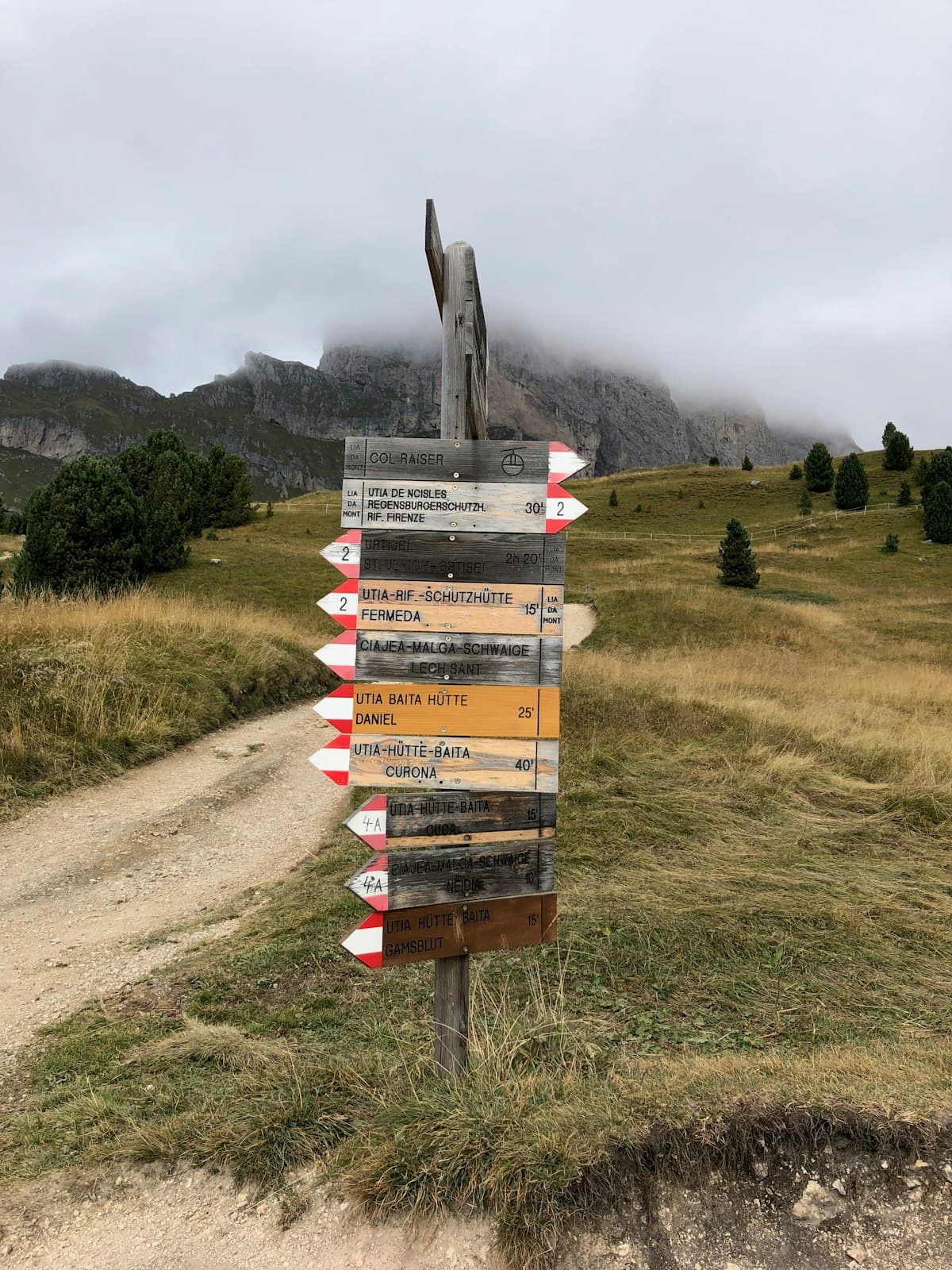
How to Navigate While Hiking Without GPS
Compass, topographic map, trail markers, natural landmarks: discover all the techniques to navigate while hiking without GPS and find your way with complete autonomy.
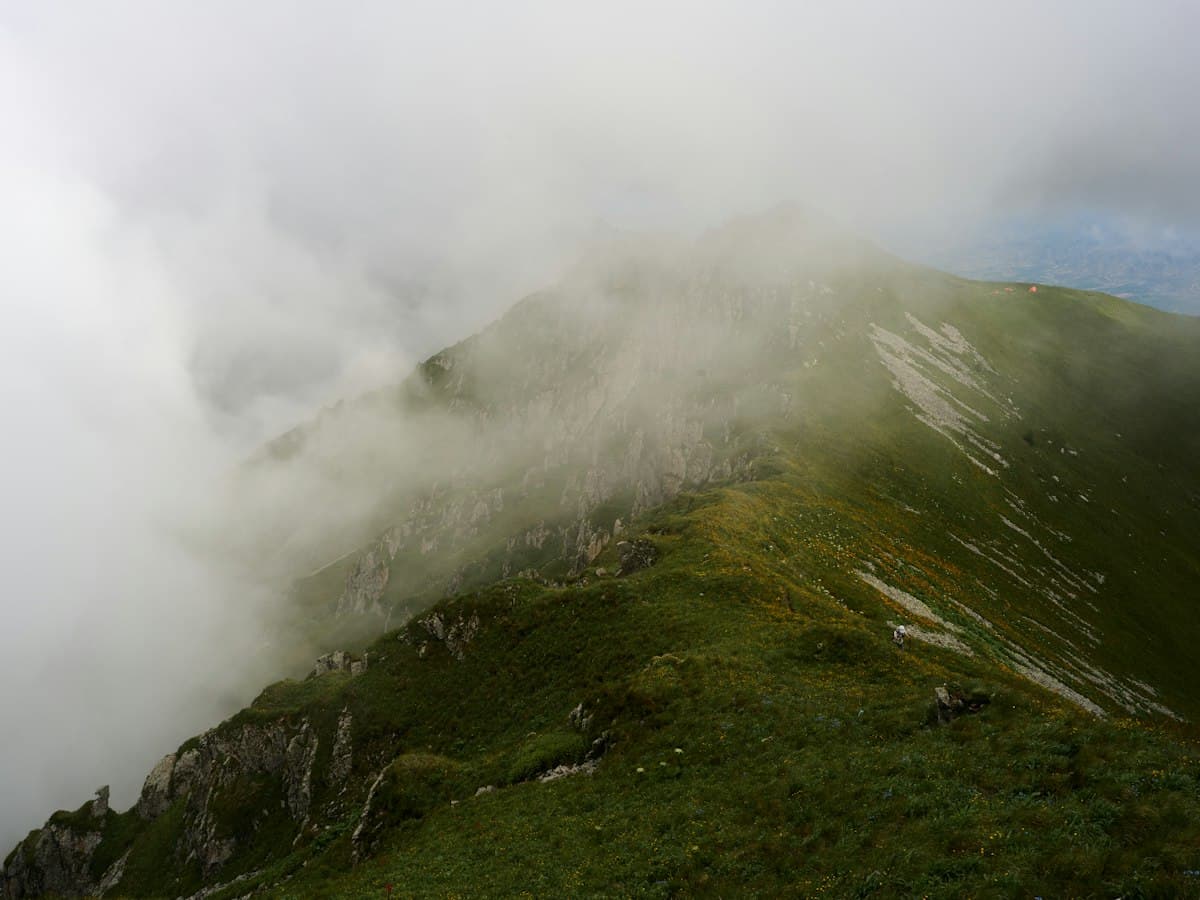
Hiking in the Fog: Safety, Navigation and Techniques to Stay on Track
Hiking in fog and mist: how to hold your bearing, assess visibility in meters, avoid disorientation and know when to turn back.

Foraging on Hikes: Wild Berries and Edible Plants Safely
Pick wild plants on hikes without making mistakes: common edible berries and plants, dangerous look-alikes, and foraging rules.