
How to Read and Use a GPX File for Hiking
You may have already come across this acronym on a hiking website: GPX. A "Download GPX" button, a link to a strangely named file, and then... nothing. What do you do with it? How do you open it? What does it actually do out on the trail?
If you're asking yourself these questions, this article is for you. The GPX file is the most useful tool a modern hiker has, and yet it remains poorly understood by many walkers, even experienced ones. Let's demystify it together.
What is a GPX File?
GPX stands for GPS Exchange Format. It is a universal file format, created in 2004, used to store geolocation data. In practice, a GPX file is a text file (in XML format) that contains a list of GPS coordinates.
Think of it as a digital breadcrumb trail: each point on the trail has a latitude, a longitude, and an altitude. Strung together, these points form a line on a map — that line is your route.
The GPX format is open and universal. It belongs to no brand and no application. Any hiking GPS device, any navigation app can read a GPX file. It is the PDF of geolocation.
What Does a GPX File Contain?
A GPX file can contain three types of data:
Tracks
This is the most common type used in hiking. A track is a succession of GPS points recorded at regular intervals. When you open a track in an app, you see the complete path drawn on the map, from start to finish.
Each point in the track contains:
- Latitude and longitude — the exact position on Earth
- Altitude — which is used to generate the elevation profile (the climbs and descents)
- A timestamp (optional) — the time at which the point was recorded
Waypoints (Points of Interest)
Waypoints are individual points marked on the map: a summit, a mountain hut, a water source, a car park. They serve as visual landmarks along your route.
Routes
Routes are itineraries calculated between several waypoints. They are less commonly used in hiking than tracks, because they depend on the routing algorithm of the application.
Why Use a GPX File When Hiking?
Never Get Lost Again
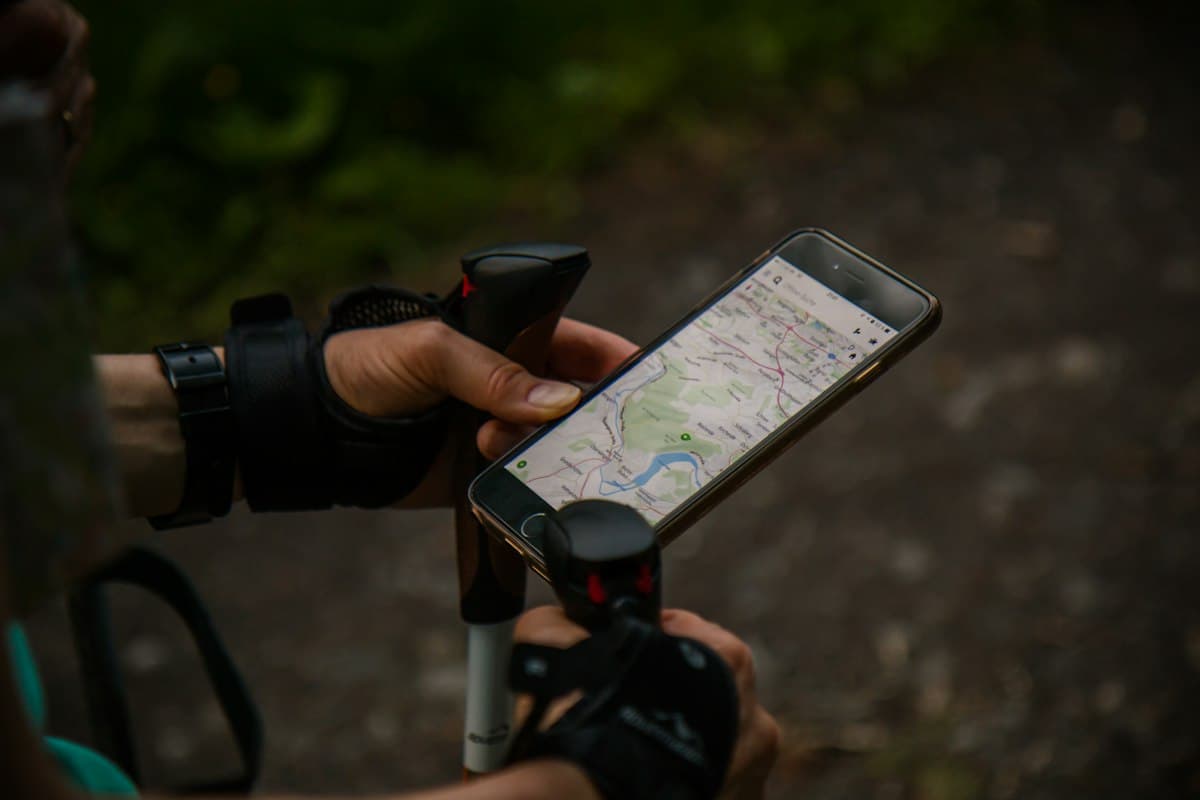
This is reason number one. With a GPX file loaded on your phone, you can see your position relative to the trail at all times. At every junction, a quick glance is enough to know which direction to take.
No more hesitation in front of a faded signpost, no more 500-metre detours in the wrong direction before turning back. The GPX shows you exactly where you are and where you are going.
Prepare Your Hike in Advance
Even before you lace up your shoes, a GPX file gives you all the key information about the route:
- Total distance of the trail
- Positive and negative elevation gain — how much you climb and how much you descend
- The elevation profile — the shape of the hike, the steep sections, the flat stretches
- Estimated duration based on your pace
This data is far more reliable than a written description. It allows you to choose a route suited to your level and to plan your day.
Work Without a Mobile Signal
This is the crucial point that many people overlook: your phone's GPS works without an internet connection.
GPS uses satellite signals, not a 4G/5G network. As long as the GPX file is downloaded on your device and the map is available offline, you can follow your track at the bottom of a valley with absolutely no signal.
How to Open a GPX File on Your Phone
On iPhone (iOS)
- Download the GPX file from the website (for example from OpenRando)
- The file appears in your downloads — tap on it
- iOS will offer to open it with a compatible app
- Choose your hiking app (Apple's native Maps app does not natively support GPX)
On Android
- Download the GPX file from your browser
- Open your hiking app
- Import the GPX file from the app's menu (usually via "Import" or "Open a file")
- The track appears on the map
With OpenRando
On OpenRando, the process is streamlined: every route displays the interactive map directly with the track, elevation profile, distance, and elevation gain. You can download the GPX file in one click to use it offline.
Following a GPX Track in Real Time
Once the GPX file is loaded in your app, real-time navigation is very intuitive:
- Enable the GPS on your phone
- Open the track in your app
- Centre the map on your position — you see a dot (you) and a line (the track)
- Walk by following the line
Most apps display real-time information:
- Distance covered and distance remaining
- Elevation completed and remaining
- Time elapsed and estimated arrival time
- Off-track alert if you stray from the route
What to Do if You Stray from the Track
If your dot moves away from the track line, don't panic:
- Stop and look at the map
- Identify where you left the trail
- Retrace your steps back to the last point where you were on the track
- Do not try to cut through the vegetation to rejoin the track — it is almost always more dangerous than going back the way you came
Creating and Sharing Your Own GPX Files
If you record your GPS position during a hike, you create your own GPX file. This is how the OpenRando community grows: hikers share their tracks so that others can follow them.
How to Record a Track
- Before you leave, activate GPS recording in your app
- During the hike, the app records your position at regular intervals (generally every 5 seconds)
- At the end, stop the recording and save the GPX file
- Share your track on OpenRando so that other hikers can benefit from it
GPX vs Paper Map: Complementary, Not Competing
A GPX file is a fantastic tool, but it does not completely replace a paper map. Here is why the two complement each other:
GPX excels for:
- Precise navigation at junctions
- Checking your position in real time
- Detailed route preparation (distance, elevation gain, profile)
- Sharing routes with other hikers
A paper map excels for:
- An overall view of the massif and surrounding trails
- Planning alternative routes or bail-out options
- Absolute reliability (no battery, no breakdowns)
- Understanding the terrain (contour lines, vegetation type)
Mistakes to Avoid with GPX Files
Even with a good GPX, certain mistakes can ruin your outing:
- Not downloading the offline map — a GPX without a base map is just a line on a black screen
- Setting off with a phone at 50% — GPS drains battery. Leave at 100% and bring a portable battery pack
- Following the GPX blindly — a track can be old or inaccurate. If the terrain doesn't match, trust the trail markers and your common sense
- Not checking the track before you leave — open the GPX the evening before to spot tricky sections and estimate the duration
Ready to Navigate with a GPX?
The GPX file is the tool that democratised hiking. Thanks to it, anyone can follow a route with precision, without navigation experience or knowledge of the terrain. It is simple, free, universal, and reliable.
For hikers who want to go further, a GPS hiking watch offers additional comfort: wrist navigation, barometric altitude tracking, and multi-day battery life. Paired with a compass, you will have a complete navigation kit.
On OpenRando, explore thousands of routes shared by the community, download the GPX file in one click, and set off hiking with confidence. Every track has been walked by a real hiker — that is the best guarantee of reliability.
As an Amazon Associate, we earn from qualifying purchases. Links marked with an external icon are affiliate links.
Related reading
How to Prepare for a Hike: The Complete Beginner's Guide
Discover our essential tips for preparing your first hike: gear, route planning, safety, and using GPX files. A complete A-to-Z guide.
How to Plan Your Hike on OpenRando: The Complete Guide
Use OpenRando to plan a hike: search for a trail, read the elevation profile, create your own route and take it offline.
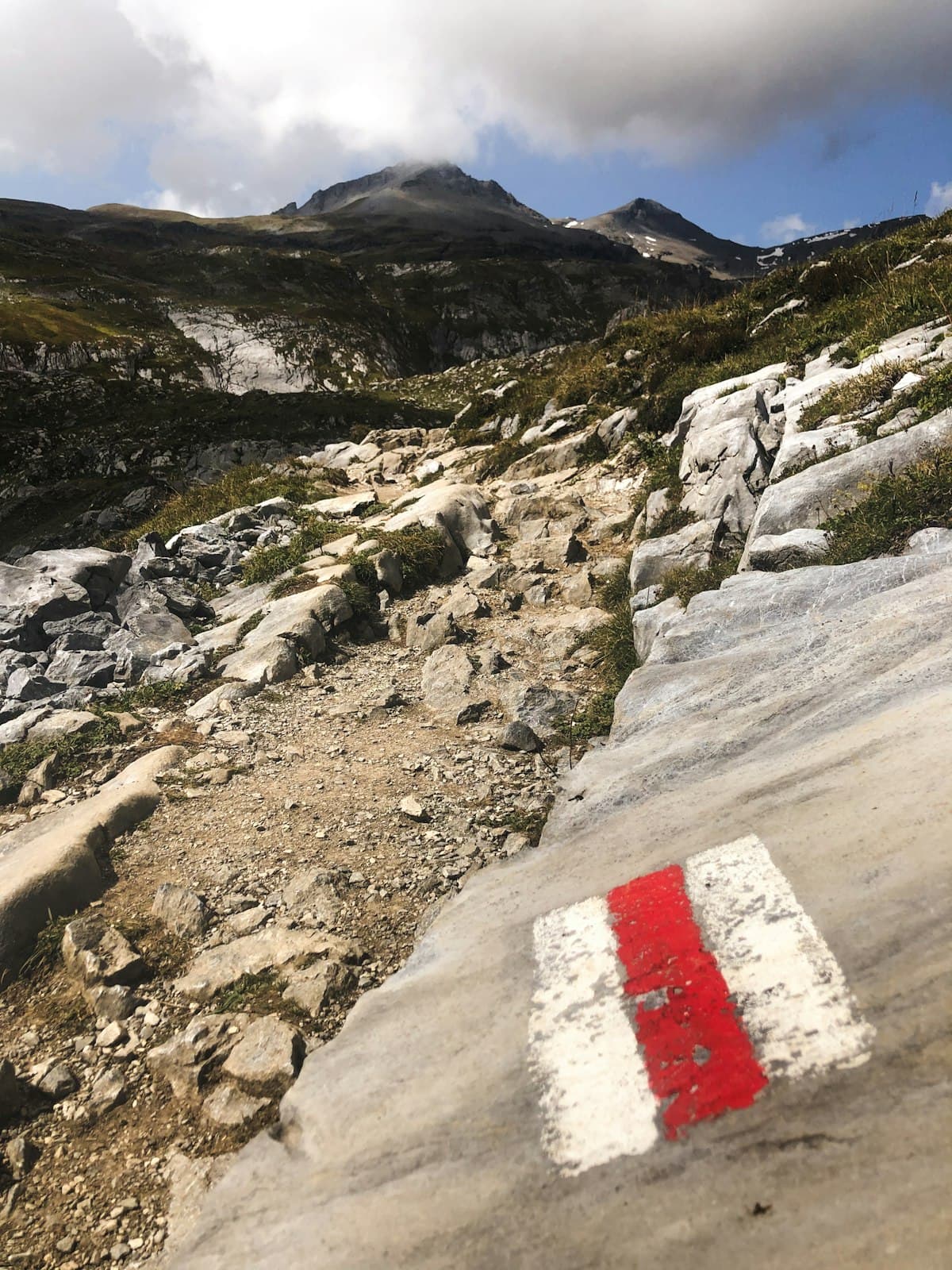
Trail Markings in France: The Complete Guide
GR, GRP, PR, yellow marks, red and white blazes: how to read every hiking trail marking in France so you never get lost again.